If you haven’t set a password yet or have forgotten your password, you can change your password as follows:
- Choose a password Forgot your password?
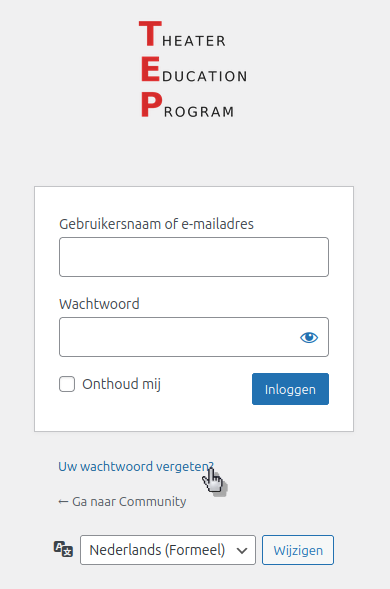
- Enter your email address
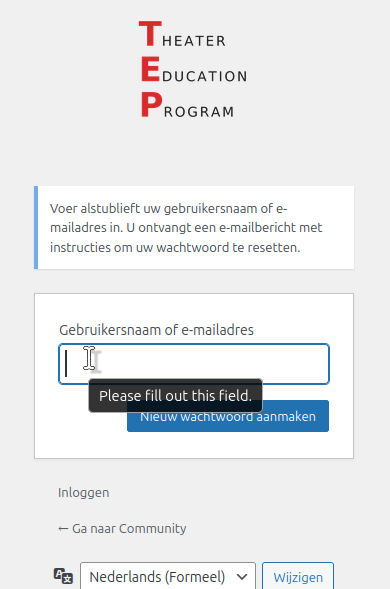
- Choose a new password
- You will receive an email with a password reset link
(Note: If you haven’t received an email, please check your Junk/Spam folder) - Click the link in the email
- Enter your own password and save it
- Select “Log in” to log in again
- Log in with your email address and the password you chose